 Latch
LatchApp blocker for iPhone
Put the unlock button across the room.
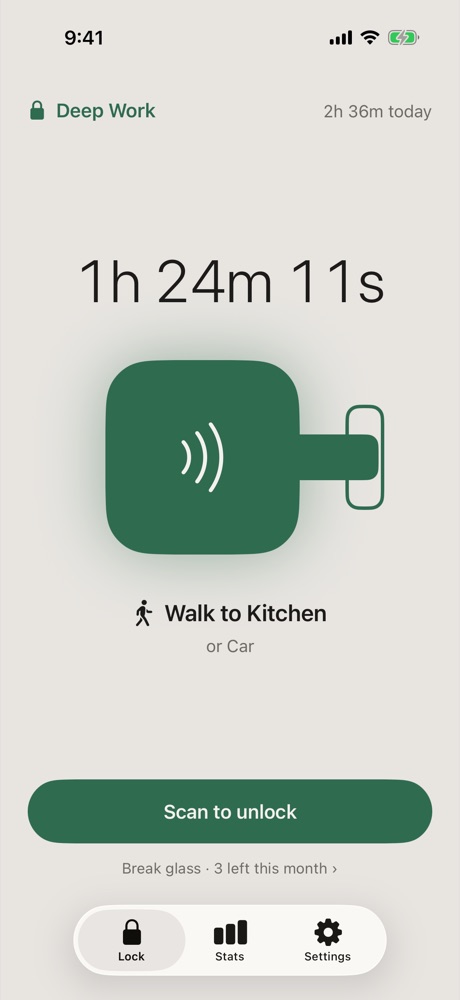
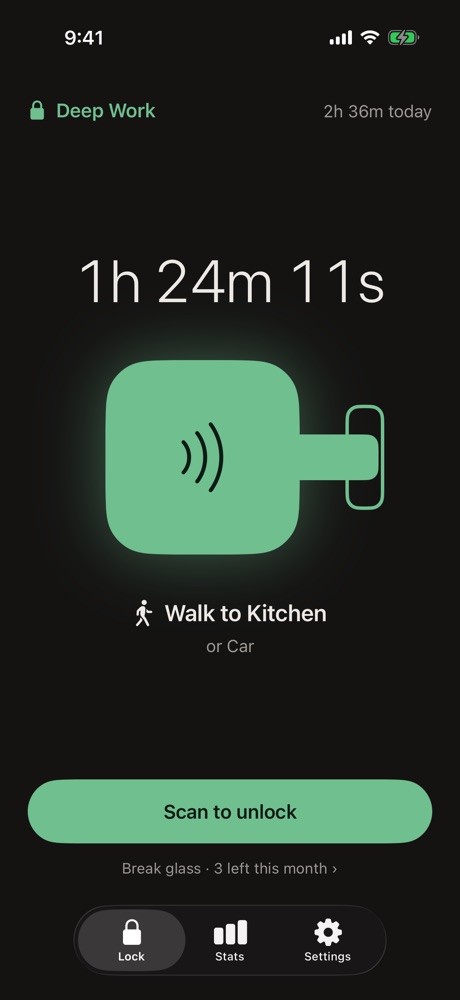
Latch locks the apps that eat your day and only unlocks when you scan your key — a sticker on the fridge, a card in the car. The walk to get it is the point.
How it works
Three steps. One of them is walking.
Choose what pulls you in
Pick apps, whole categories and websites. Make a mode for work, one for evenings, one for bed.
Put your key somewhere else
Stick the NFC sticker or tape the printed QR code where you'd have to get up for it.
Scan to lock, walk to unlock
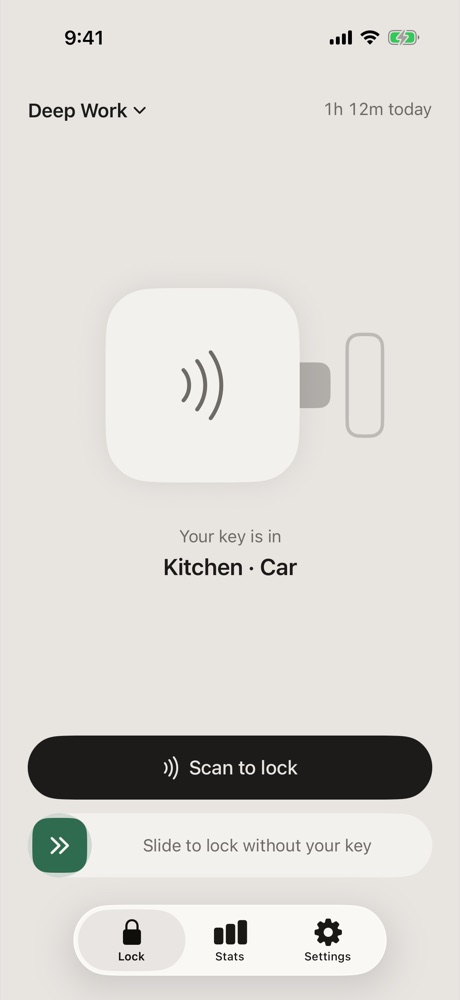
Scan once and your apps are shielded. The only everyday way back in is scanning that key again.
See it in action
Calm on purpose. Nothing to fiddle with.
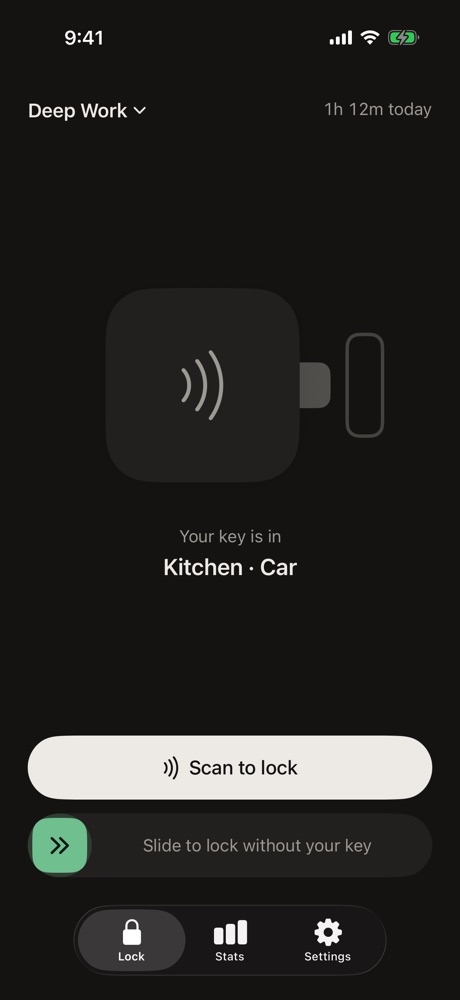
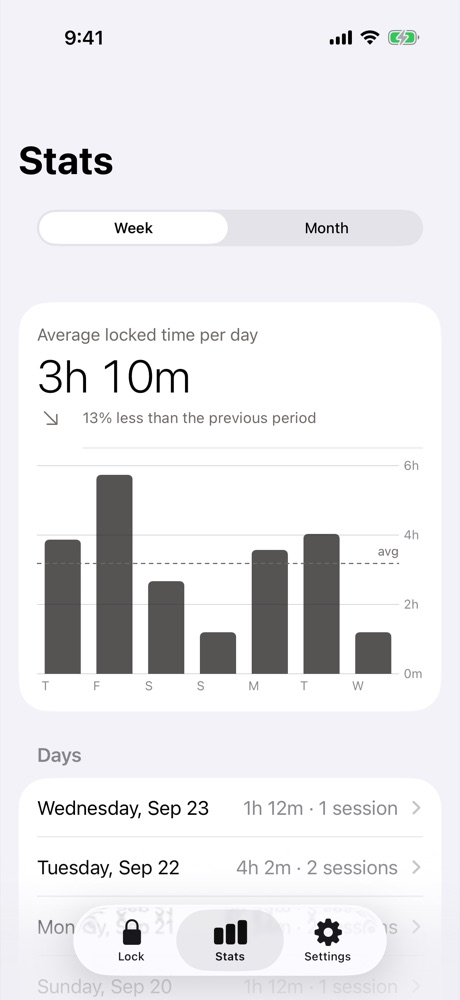
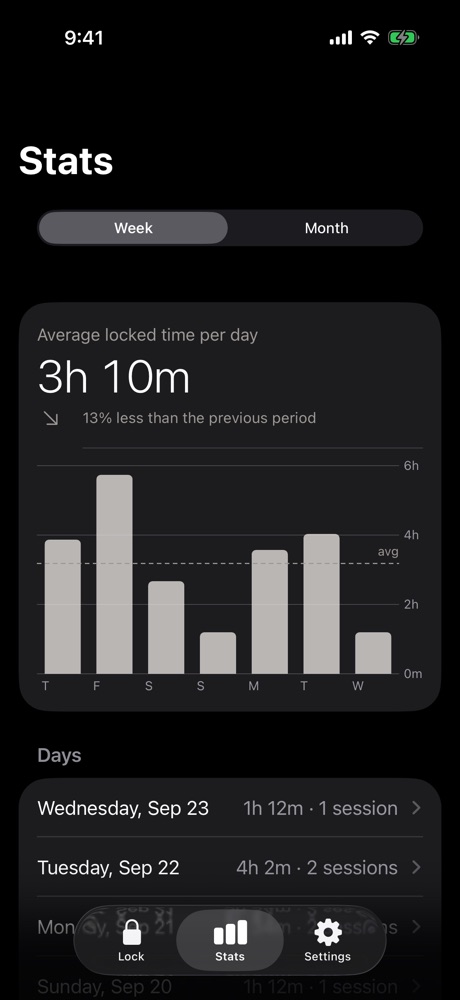
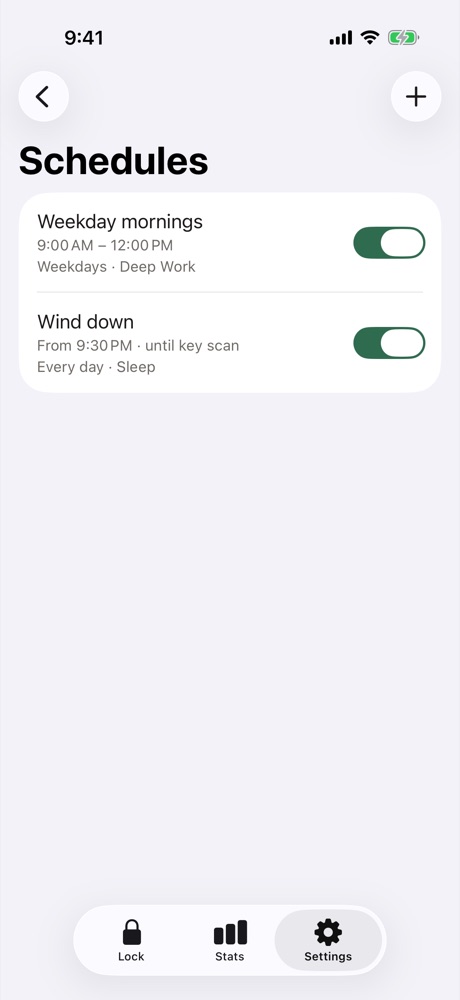
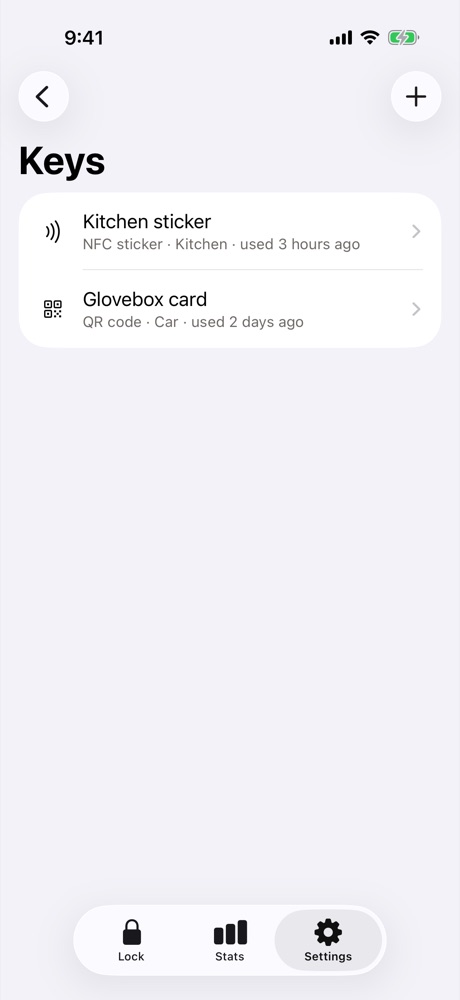
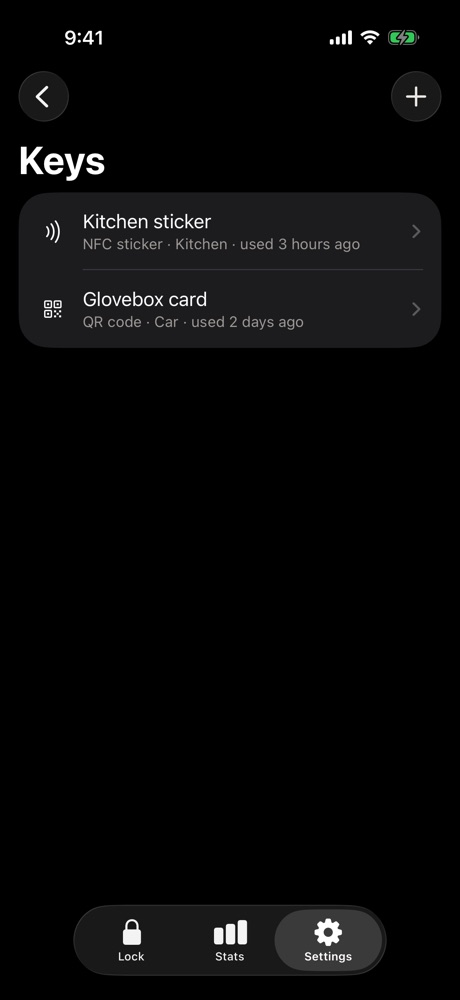
Your key
No gadget to buy. Your key costs cents.
Choose one, or use both. Add as many keys as you need with Pro, and use one key with every iPhone you own.
NFC sticker
Hold your iPhone near it — no need to open anything first. Latch writes the key to the sticker for you.
Any NTAG213, NTAG215 or NTAG216 sticker · a few cents each
Printed QR code
Print it at home and scan the paper once to finish setup. Keep it away from your phone, and don't photograph it.
Any printer · or save the card as a PDF
Everything else
Built for the days you'd rather not.
Pricing
Free to start. Pay once if you want more.
No subscription, no account, no ads.
Free
Everything you need for one routine.
- 1 key — NFC or QR
- 2 modes
- 7 days of stats
- Strict mode and emergency unlocks
- Widget, Lock Screen timer, iCloud sync
Latch Pro
One-time purchase.
- Unlimited keys
- Unlimited modes
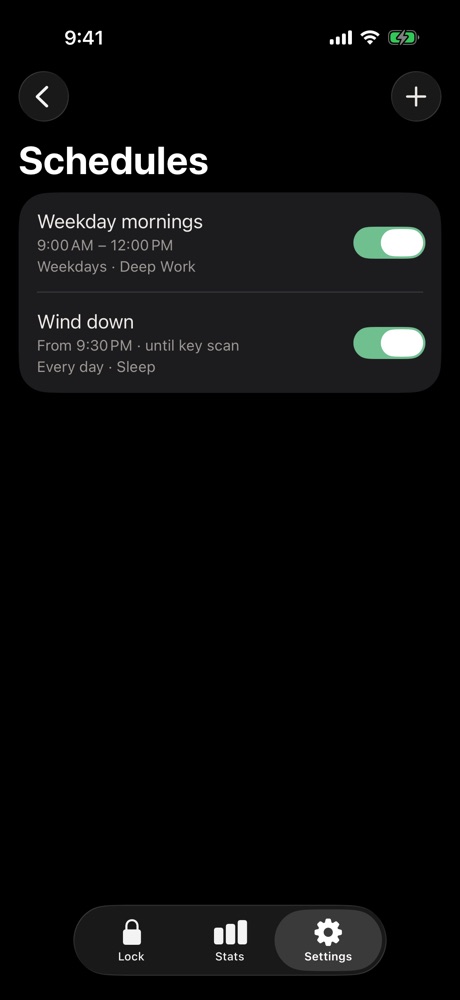
- Schedules
- Full history and monthly view
- Daily average per app
Privacy
We don't know what you block.
Apple's Screen Time keeps your choices on your iPhone. Latch never sees them, and neither do we.
- No accounts, no analytics, no adsNothing to sign up for and nothing tracked.
- Your data stays in your iCloudSynced keys and history live in your private iCloud database.
- Keys are never stored readableOnly a one-way hash of each key's secret is kept.
Questions
Fair questions.
Can't I just take a photo of the QR code?
You could — Latch aims for real friction, not a prison. The app asks you to scan the printed paper when you set it up and tells you to keep it away from your phone. If a copy gets out, print a new code in Settings and the old one stops working. NFC stickers can't be photographed at all.
What if I lose my key?
Use one of your five emergency unlocks, then add a new key and remove the lost one.
Which NFC stickers work?
Any NTAG213, NTAG215 or NTAG216 sticker — sold in packs online for a few cents each. MIFARE Classic tags don't work with iPhone.
Can I get around it by turning off Screen Time access?
iOS always lets you revoke an app's Screen Time access in Settings, and Latch can't stop that. Doing it ends your session, and Latch records it as interrupted. Most people find that step is enough friction.
Does it work on more than one iPhone?
Yes. Your keys, modes and schedules sync through iCloud, and one key unlocks all of them. Each iPhone locks on its own.
When is it available?
Latch is in final testing and coming soon to the App Store for iPhone (iOS 17 and later).