 Latch
LatchHow to stop doomscrolling
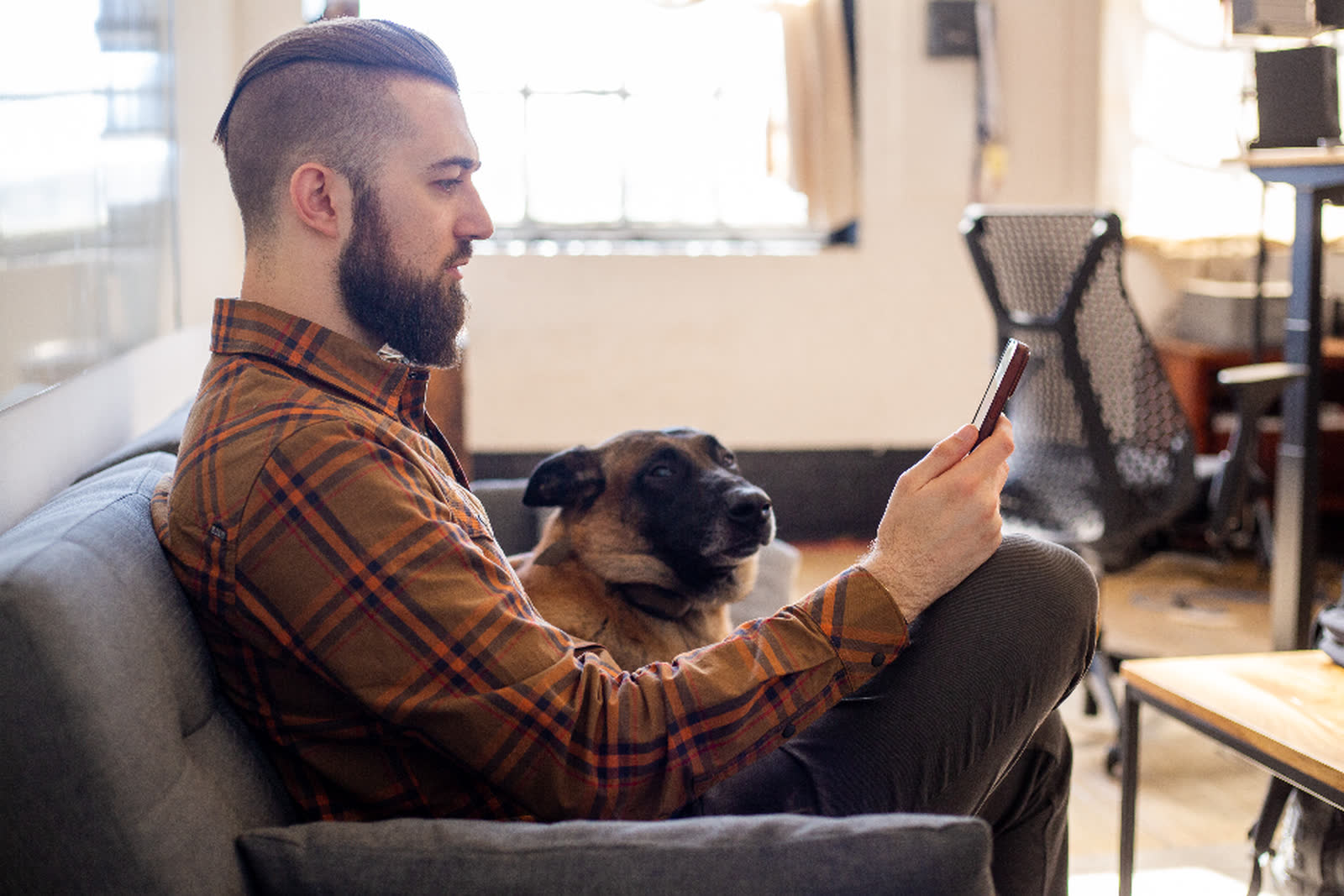
You pick up your phone to check one thing, and half an hour later you're still scrolling through news and clips that leave you feeling worse. Doomscrolling is common, and willpower in the moment rarely ends it. What helps is changing the places and times where it starts.
Why it happens
Researchers at the University of Florida built a scale to measure doomscrolling, which they describe as compulsively scrolling a feed for negative news. They found it's a distinct habit, more common in men and younger people, and linked to fear of missing out and to being constantly connected through a smartphone. They couldn't say whether doomscrolling causes anxiety or anxiety leads to doomscrolling, and suspect each feeds the other (Sharma, Lee and Johnson, 2022).
For some people it goes further. In a survey of 1,100 US adults, 16.5% showed signs of severely problematic news consumption: absorbed by the news, preoccupied with it, and finding it hard to stop. Most of that group reported frequent mental ill-being, compared with a small share of everyone else (McLaughlin, Gotlieb and Mills, 2022). It's a survey, so it shows a link and not a cause.
Most of the scrolling also starts without a decision. When researchers filmed people's days, 89% of phone pickups were started by the person, with no notification behind them (Heitmayer and Lahlou, 2021). That's why a plan made in the morning has little say over what your thumb does at midnight, and why the changes below work on the situation instead of on willpower.
How to stop doomscrolling at night and before bed
Night is the hardest time, because the phone is in reach and nothing else is competing for your attention. Reading on a bright screen before bed also delays sleep: in a Harvard study, people took longer to fall asleep and were less alert the next morning after reading on a light-emitting device than after reading a printed book (Chang et al., 2015).
Charge the phone outside the bedroom
This removes the reach, which is the habit's starting point. Use a cheap alarm clock so you don't need the phone to wake up.
Set the cut-off once, earlier in the day
Pick a time when you're thinking clearly and let a schedule enforce it, so there's nothing to decide at 11 pm. Our guide on how to stop scrolling in bed covers a full bedtime setup, and how to block apps at certain times on iPhone compares the ways to schedule it.
How to stop doomscrolling in the morning
If the first thing you do is open the news, the rest of the morning tends to follow it. A few changes help:
Keep the first half hour for something else
Get up, get dressed and eat before you look at a feed. If your alarm is on your phone, turn it off and put the phone down in another room.
Choose your news on purpose
A newsletter, a radio bulletin or a single news site at a set time gives you the headlines without a feed that never ends. The goal is to stay informed, not to stop reading the news.
Lock the feeds until you've started your day
A morning schedule that keeps social and news apps locked until, say, 9 am means the morning starts the way you planned.
How to stop doomscrolling on Instagram
Instagram's feed and Reels are designed to keep going. You have a few honest options:
- Block the whole app at the times you scroll most, like evenings or the first hour of work.
- Give it a daily limit, such as 15 minutes, and stop when it runs out.
- Delete the app and use the website in a browser, which is clunkier and easier to put down. If the website becomes the new habit, block that too.
Latch blocks whole apps, categories and websites. It can't remove only Reels and leave the rest of Instagram, so if Reels are the problem, the choice is between limiting Instagram and locking it.
How to stop doomscrolling on YouTube and YouTube Shorts
YouTube now has its own setting for this. In the YouTube app, go to You › Settings › Time management › Shorts feed limit, where you can choose a time limit, including zero. When you reach it, YouTube shows a reminder and you can dismiss it or ignore the limit (YouTube Help). The app also has a Take a break reminder under Settings › General (YouTube Help).
On iPhone, Latch can't remove Shorts from the YouTube app and leave the rest. Your options are:
- Block YouTube at set times, like after 10 pm or during work.
- Give YouTube a daily limit, so you get your videos and then it's locked until tomorrow or until you scan your key.
- Delete the app and watch YouTube in a browser when you need it, which makes casual swiping less tempting.
Small changes that add up
Turn off news alerts
Most breaking news can wait until you choose to look. Keep alerts from people and turn off the rest.
Move the apps off your home screen
One extra swipe or search is enough to interrupt the automatic tap.
Put a physical step in the way
If opening a feed means getting up and walking to the kitchen to scan a key, the urge often fades on the way. That's the idea behind Latch. We wrote more about it in why a few steps beat willpower.
Notice what you're looking for
If the scrolling is about worry, a set time for news and a real conversation with someone often help more than another hour of headlines.
Common questions
How do I stop doomscrolling at night?
Charge your phone outside the bedroom, use a separate alarm clock, and set a schedule earlier in the day that locks your feeds at a fixed time, so there's nothing to decide in bed. Our guide on how to stop scrolling in bed has a full setup.
How do I stop doomscrolling in the morning?
Keep the first half hour for getting up, dressed and fed before you open a feed, choose one news source to read at a set time, and lock social and news apps until a set hour with a morning schedule.
How do I stop doomscrolling on Instagram?
Block the app at the times you scroll most, give it a daily limit, or delete it and use the website, which is easier to put down. Latch blocks whole apps and websites; it can't remove only Reels.
Can I block YouTube Shorts on iPhone?
YouTube's own Shorts feed limit, under You, Settings, Time management, can be set as low as zero, though you can dismiss the reminder. Latch can't remove only Shorts from the YouTube app; it can block YouTube at set times or give it a daily limit.
Why can't I stop doomscrolling?
Most phone pickups start without a decision, and researchers have linked doomscrolling to fear of missing out and to being constantly connected through a smartphone. Changing where the phone is and when the apps are available works better than willpower in the moment.
Where Latch fits
Latch is an app blocker that only unlocks when you scan a key you keep somewhere else: an NFC sticker, a printed QR code, or a number of steps. It's free to start, out now on the App Store and Google Play.

Sources
- Sharma, B., Lee, S. S. and Johnson, B. K. (2022). The dark at the end of the tunnel: Doomscrolling on social media newsfeeds. Technology, Mind, and Behavior 3(1). DOI
- University of Florida (2022). UF study finds 'doomscrolling' is a unique behavior. UF News
- McLaughlin, B., Gotlieb, M. R. and Mills, D. J. (2022). Caught in a Dangerous World: Problematic News Consumption and Its Relationship to Mental and Physical Ill-Being. Health Communication 38(12). DOI
- Taylor & Francis (2022). News addiction linked to not only poor mental wellbeing but physical health too, new study shows. ScienceDaily
- Heitmayer, M. and Lahlou, S. (2021). Why are smartphones disruptive? An empirical study of smartphone use in real-life contexts. Computers in Human Behavior 116. LSE summary
- Chang, A.-M., Aeschbach, D., Duffy, J. F. and Czeisler, C. A. (2015). Evening use of light-emitting eReaders negatively affects sleep, circadian timing, and next-morning alertness. PNAS 112(4). PNAS
- YouTube Help. Set a Shorts feed limit. Google
- YouTube Help. Take a break reminder (iPhone and iPad). Google
Photo: public domain (CC0).