 Latch
LatchYour phone doesn't have to ring to distract you
You ignore the buzz and keep working. It feels like nothing happened. Research on notifications says your attention paid for it anyway.
The cost of a notification you don't answer
In a 2015 study at Florida State University, people did a task that needed steady attention: pressing a key every time a number appeared, except when it was a 3. While they worked, some of them got calls or text messages on their own phones. They didn't pick up. Their mistakes still went up, and the researchers found the size of the effect was comparable to what earlier studies had found for people actively using a phone (Stothart, Mitchum and Yehnert, 2015).
The likely reason is that a notification starts a train of thought. You wonder who it was and whether it matters, and part of your mind stays on that question while you try to work.
Even a silent phone pulls at you
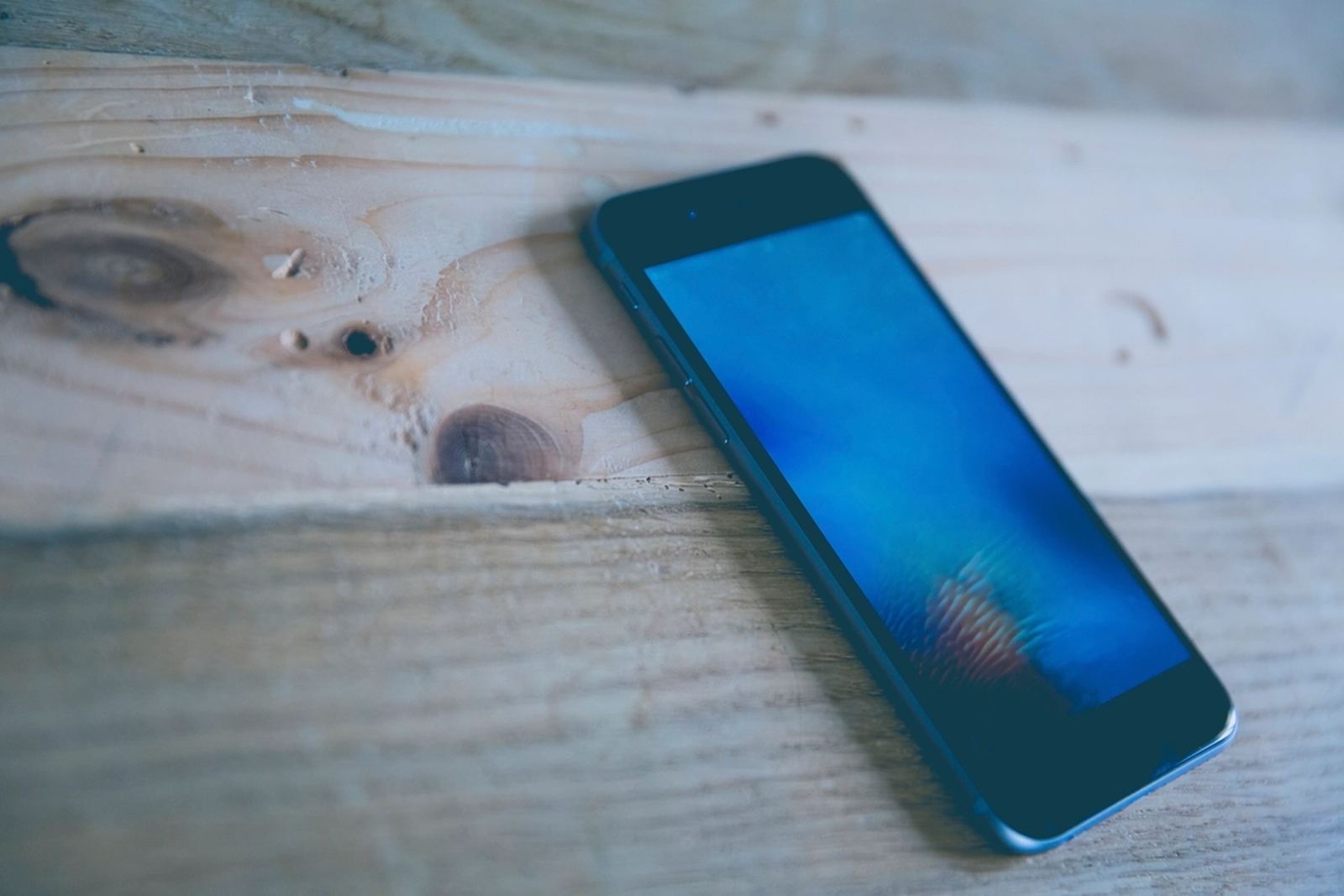
A 2017 study found that people did worse on working-memory tests when their phone was face down on the desk than when it was in another room (Ward et al., 2017). Follow-up studies disagree about how large this effect is, though a 2023 review of the studies found the clearest effects on memory and attention (Böttger et al., 2023). Turning off the sound helps less than moving the phone.
What helps
Turn off notifications from anything that isn't a person
Messages from people you know can stay. Likes, sales, news alerts and "you might have missed" reminders can almost all go. Most phones also let you bundle the rest into a summary that arrives a couple of times a day.
Use a Focus or Do Not Disturb mode for real work
Let calls from family through and hold everything else until you're done.
Put the phone out of sight
Silent mode still leaves it in view. A bag or a drawer is better, and another room is better still.
Block the apps whose alerts you can't resist
If one app's notifications always win, take that app off the table while you work. Locking it until you get up and scan a key across the room means a buzz can't turn into a scroll.
Where Latch fits
Latch is an app blocker that only unlocks when you scan a key you keep somewhere else: an NFC sticker, a printed QR code, or a number of steps. It's free to start, out now on the App Store and Google Play.


Sources
- Stothart, C., Mitchum, A. and Yehnert, C. (2015). The attentional cost of receiving a cell phone notification. Journal of Experimental Psychology: Human Perception and Performance 41(4). APA PsycNet
- Florida State University (2015). Cell phone notifications may be driving you to distraction. ScienceDaily
- Ward, A. F., Duke, K., Gneezy, A. and Bos, M. W. (2017). Brain Drain. Journal of the Association for Consumer Research 2(2). Journal
- Böttger, T., Poschik, M. and Zierer, K. (2023). Does the Brain Drain Effect Really Exist? A Meta-Analysis. Behavioral Sciences. PMC
Photo: public domain (CC0).